Project Two: Bootstrap Triptych
Panel One | Panel Two | Panel Three | Web Dev Home
Panel One
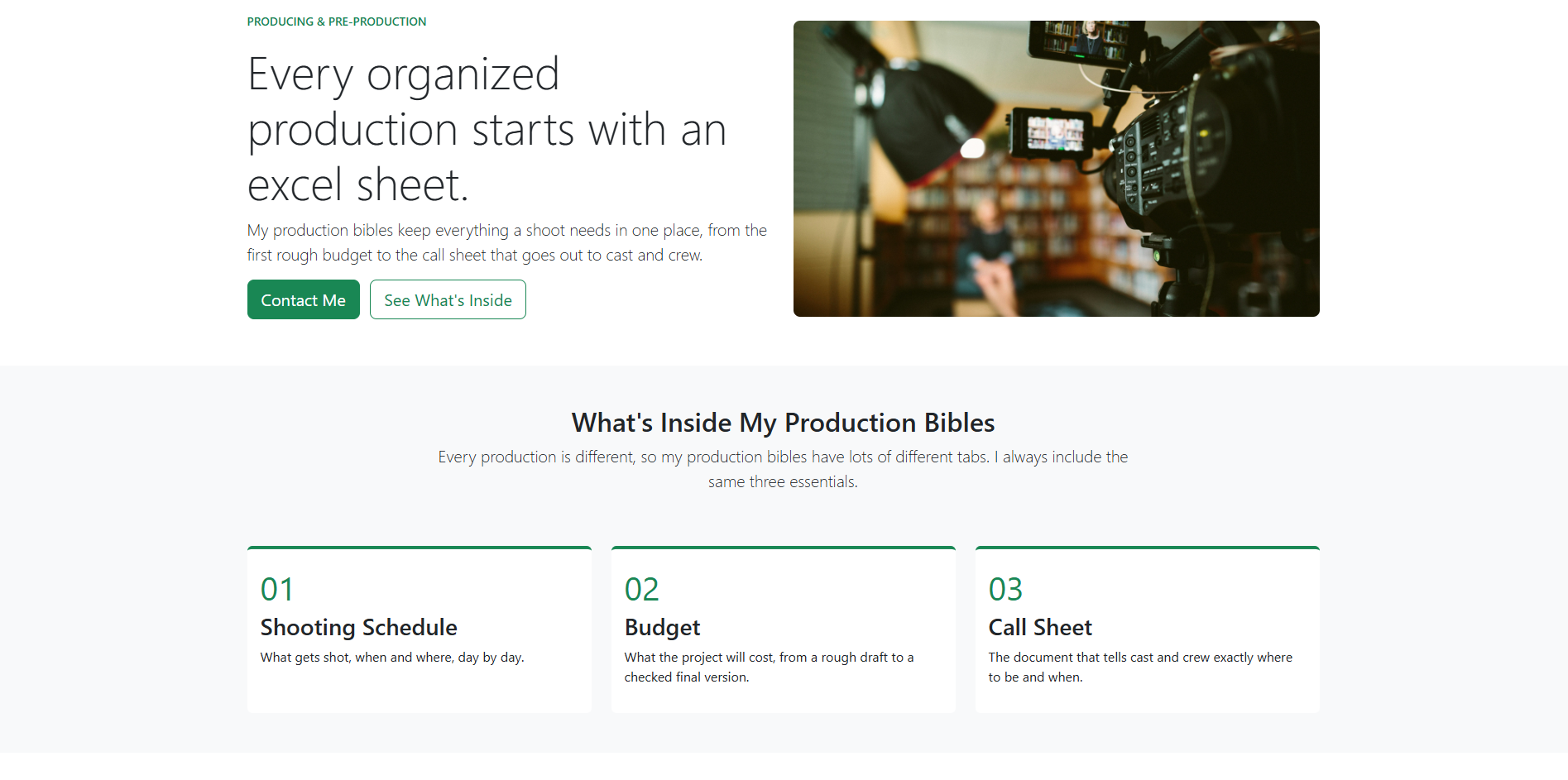
Panel One is built from Bootstrap components, which I found really helpful for making things look more modern compared to the slow, time-consuming way I was working before, typing every keystroke by hand. This panel uses Bootstrap's navbar, grid, cards, badges, figures and stretched links. Instead of writing my own classes, I recolored Bootstrap's built-in "success" color and button variables to sage green and added two Google Fonts.
I am very proud of this panel because it shows the work I have done on past student films, which I hope to use in the future.
Panel Two
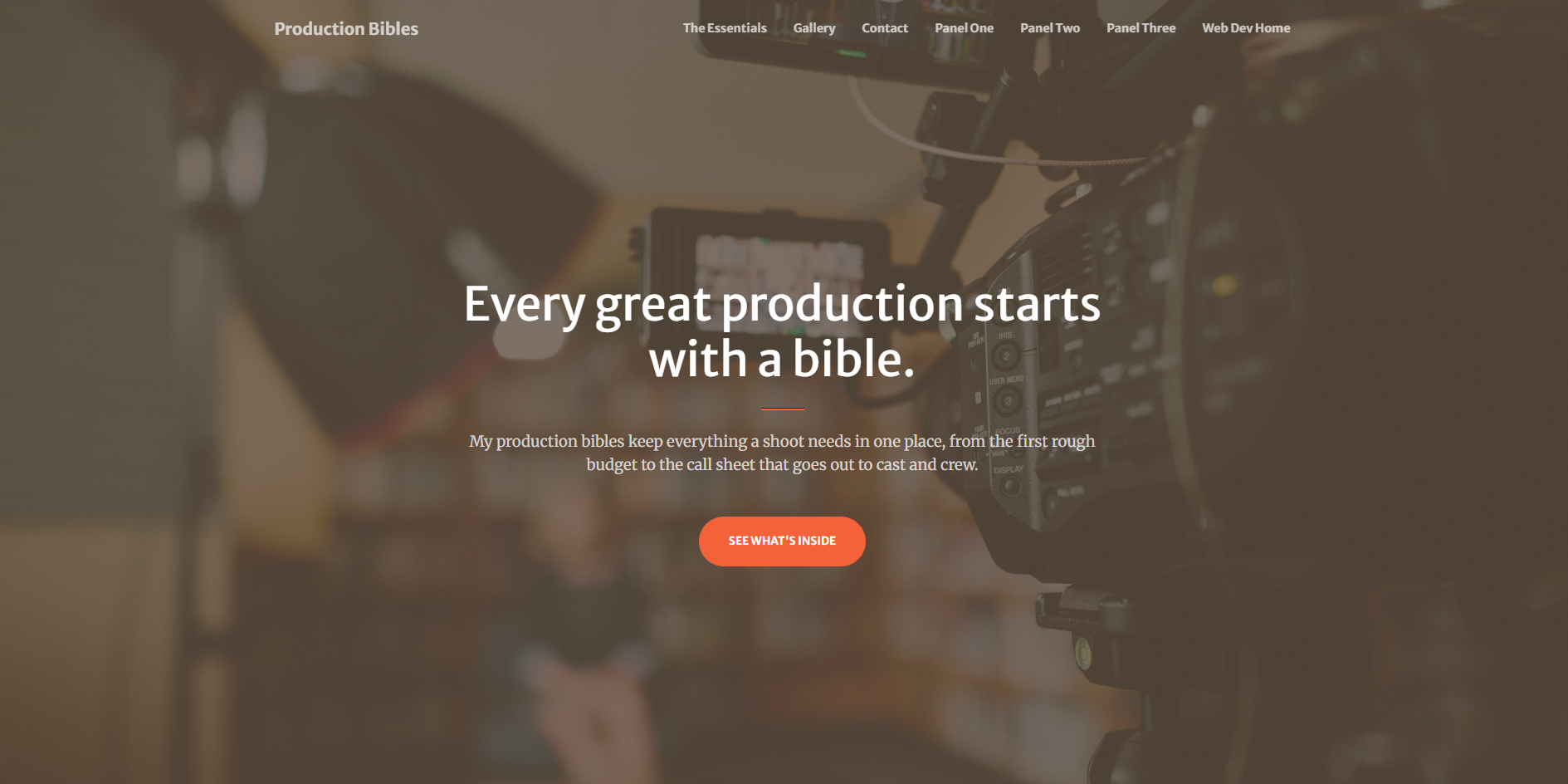
For Panel Two, I chose Start Bootstrap's Creative theme because its sections lined up well with my content. Since I could only change the HTML, I swapped in my own header photo by giving it the same file name as the theme's image.
The most difficult part was searching through all the lines of code to figure out which parts controlled which sections of the page. Ctrl F sometimes wasn't even enough if I couldn't remember exactly what I was looking for.
Panel Three
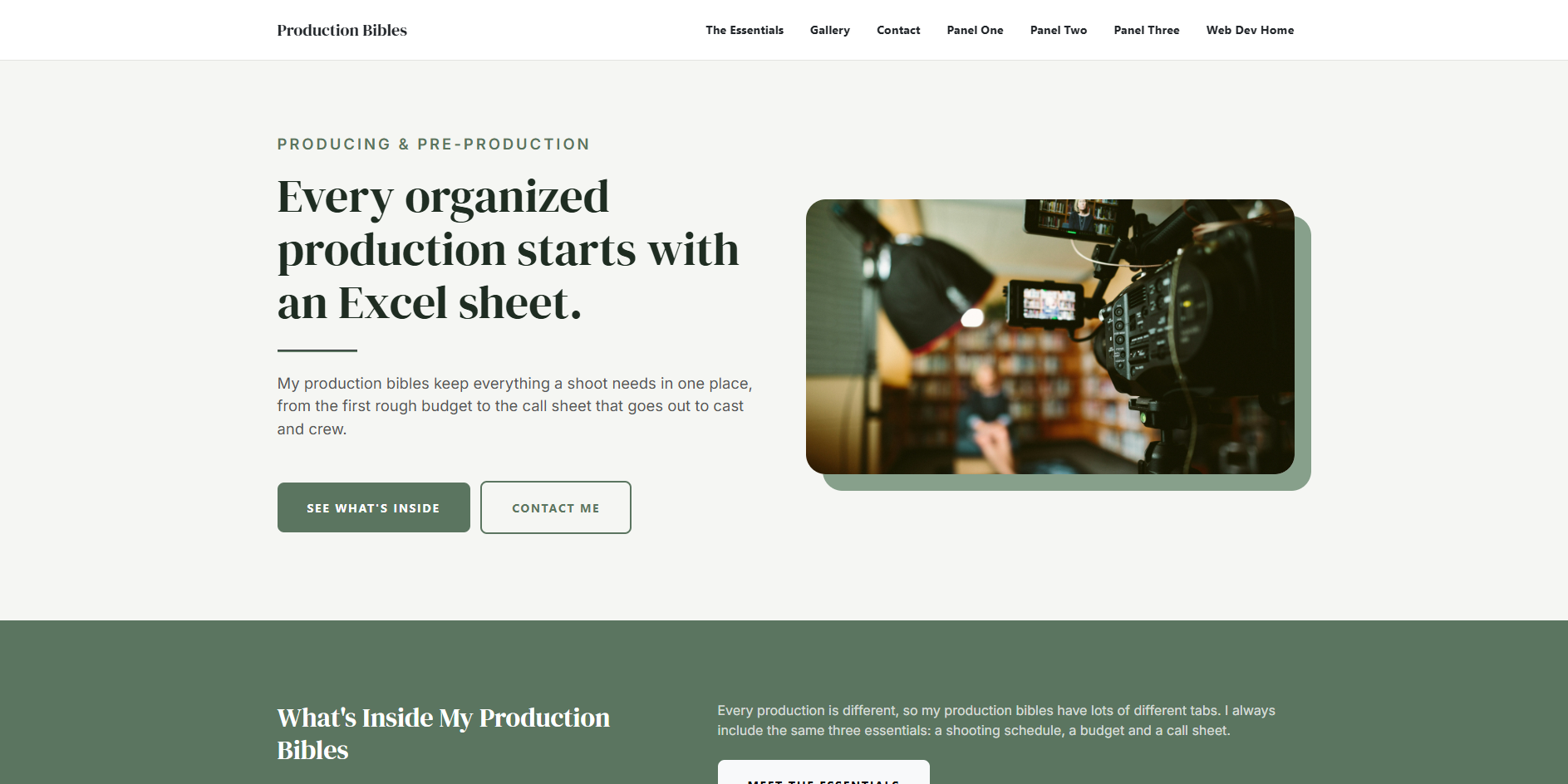
In Panel Three, I changed both the look and the layout of the Creative theme. In my custom.css, I used CSS variables to recolor the theme, plus some things for reduced motion.
Even though it took time, it would have taken me much longer to do everything by hand. I am especially proud of the mailto link, since it is something I have been learning to use on another simple portfolio website that I plan to use more often. I am also proud that the site uses my own images.